

Prerequisites
You need to be a Hacktron organization admin to configure repositories. You also need permission to connect your Git provider. For more details, choose your Git provider below.Configure Code Review
Connect a Git provider
Open Integrations and connect GitHub, GitHub Enterprise Server, or GitLab.
GitHub
Install the Hacktron GitHub App for GitHub.com repositories.
GitHub Enterprise Server
Connect a self-hosted GitHub Enterprise Server instance.
GitLab
Connect GitLab through a service account and personal access token.
Enable repository coverage
Open repositories and choose which repositories should receive pull request or merge request reviews.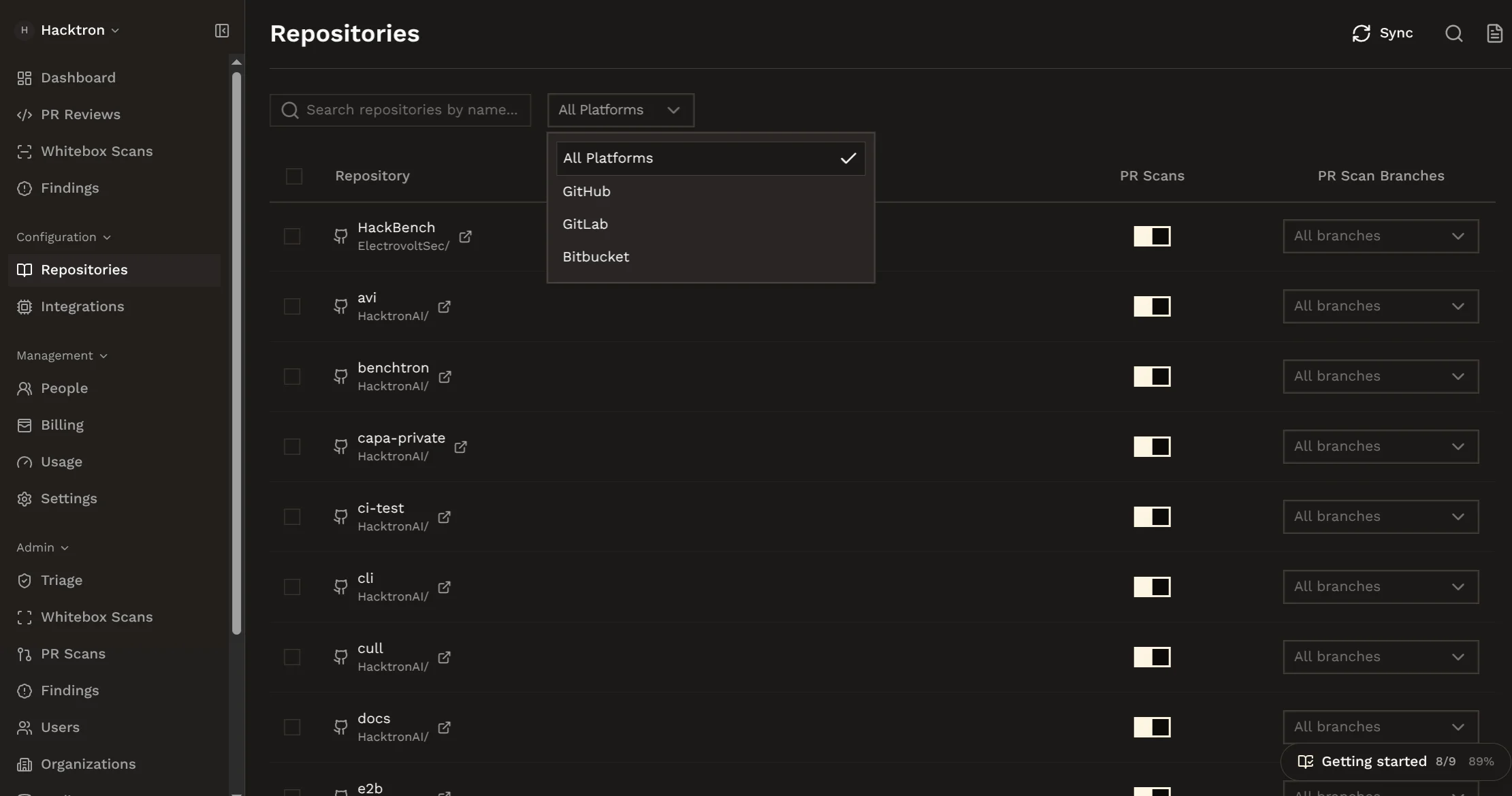
Choose covered branches
For each repository, choose whether Hacktron should review pull requests or
merge requests targeting all branches or only specific branches such as
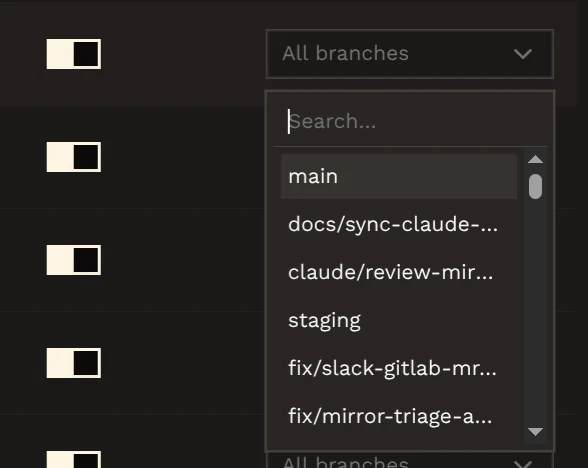
main or production.Billing and usage
Code Review requires an active trial or paid subscription before reviews can run. Every organization gets a 14-day free trial.Start a free trial
Start a 14-day free trial and manage your subscription.
Manage usage
Manage pooled review limits and overage usage.
Common checks
- If setup was skipped during onboarding, connect the Git provider before expecting reviews to run.
- If a repository does not appear, confirm that the Git provider installation includes it.
- If a pull request is not reviewed, confirm that the repository is enabled and the target branch is covered.
- If review capacity is unavailable, check Billing and Usage.