

Prerequisites
First, make sure that your organization has an active GitHub or GitLab integration.Set up GitHub
Connect GitHub and choose the repositories to review.
Set up GitLab
Connect GitLab and choose the repositories to review.
Link your GitHub / GitLab identity
To enable Code Review for an existing Hacktron account, or to link an existing auto-assigned Code Review seat to a Hacktron account, you need to link your GitHub / GitLab identity to your Hacktron account so that Hacktron can recognize you on GitHub / GitLab.Connect GitHub / GitLab
Scroll down to Connected Accounts and click on Connect next to
GitHub or GitLab.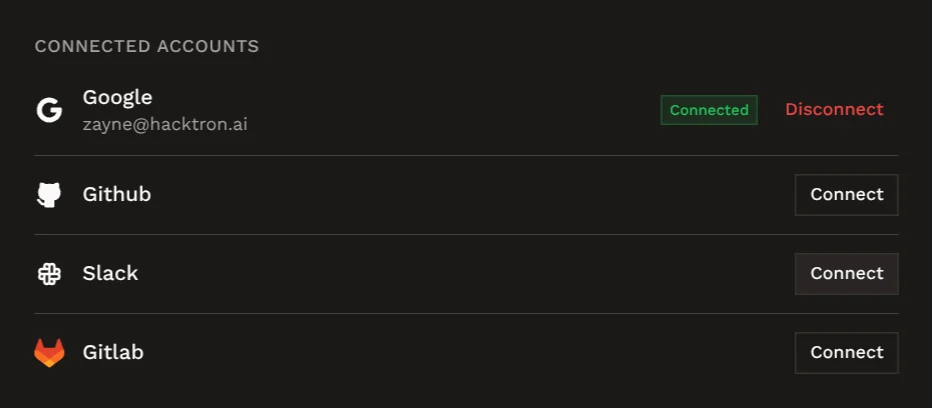
Findings and feedback
Understand how feedback you give Hacktron improves future reviews.