

Prerequisites
You need to be an owner of the GitHub organization or an admin of the specific repositories you want to connect, or seek permission from an owner or admin to install the Hacktron GitHub App. If you are not an owner or repository admin, you can still proceed with the instructions below. You will be prompted by GitHub to request approval from an organization owner. After they approve, Hacktron will be installed for the selected repositories.Configure access
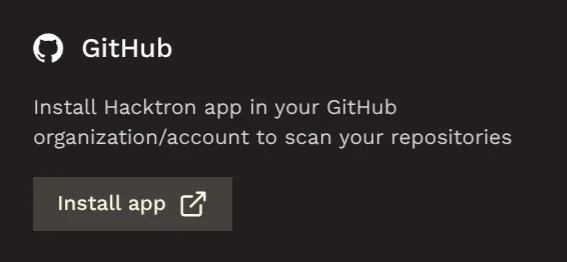
Sign in to GitHub (if required)
If GitHub prompts you to sign in, enter your GitHub login credentials as you normally would.
Select an organization
Choose the organization where you want to install Hacktron.
- If you belong to multiple organizations, select from the list.
- For personal repositories, select your account name.
Select repositories
Select which repositories Hacktron can access:
- All repositories: Grants access to all current and future repositories owned by this organization, including public repositories.
- Only select repositories: Limits access to specific repositories you choose from the list.
Review and authorize permissions
Review the permissions and then click Install & Authorize.
Hacktron requests for:
- Read access to members and metadata
- Read and write access to checks, code, issues, and pull requests