

Prerequisites
You need to be a Hacktron organization admin to manage the Linear integration. You also need permission to authorize apps in the Linear workspace you want Hacktron to use.Configure Linear
Open Integrations page
In Hacktron, go to Integrations and find Linear under Project
Management Apps.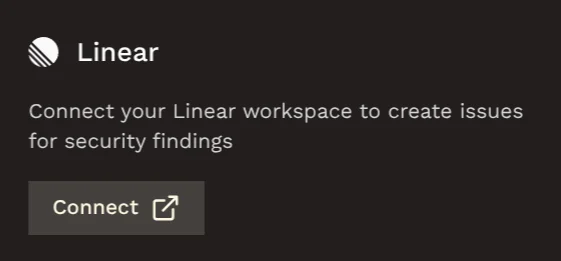
Authorize Hacktron
Sign in to Linear if required and approve the requested access.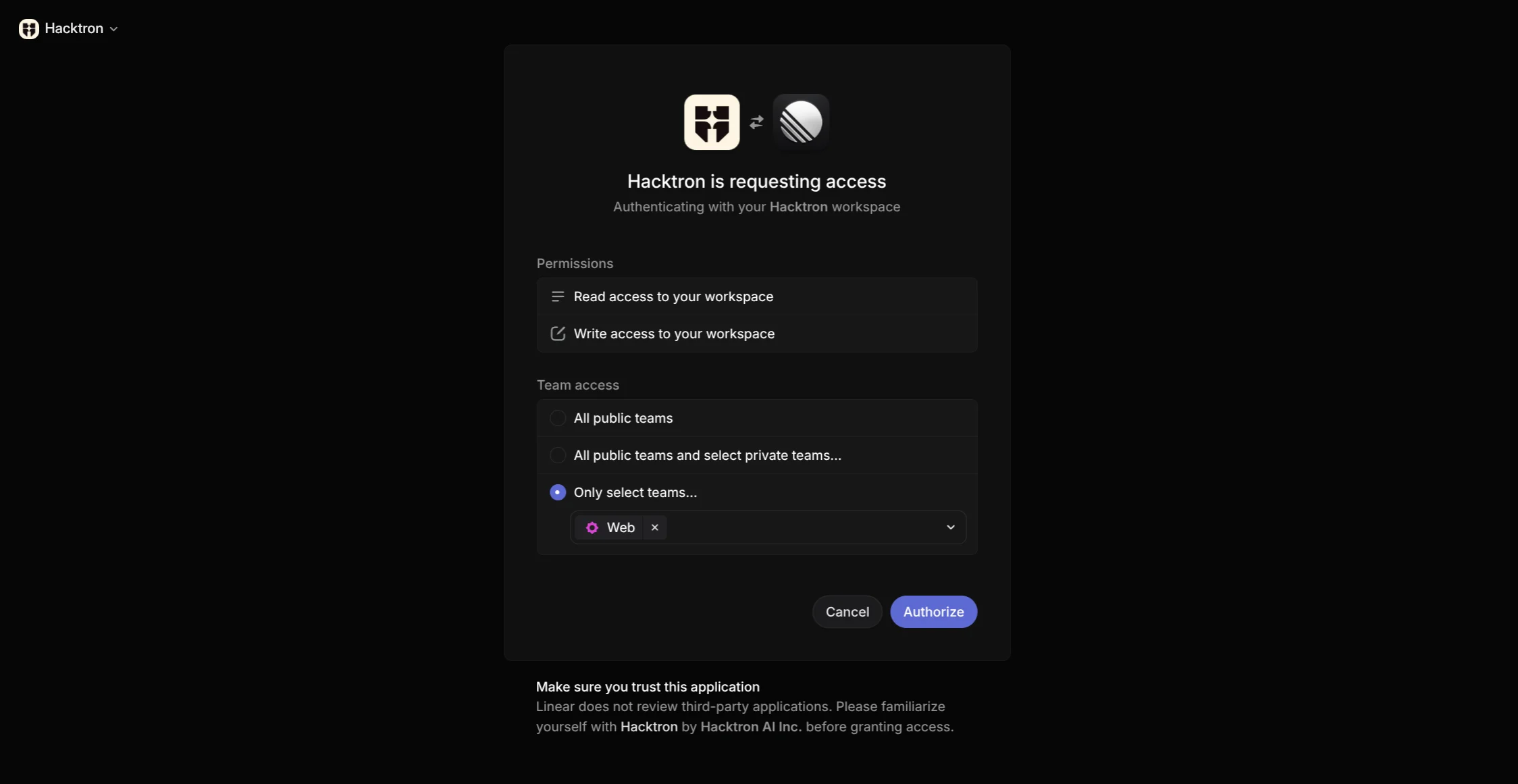
Hacktron requests read and write access to automatically create Linear issues
whenever a security issue is found in your repositories.
Choose a default destination
Select the default Linear team. Optionally, choose a default Linear project.Enable Automatically create tickets for Hacktron to automatically create Linear issues for every
security finding. If this is not enabled, you can still create Linear issues manually from the finding detail view.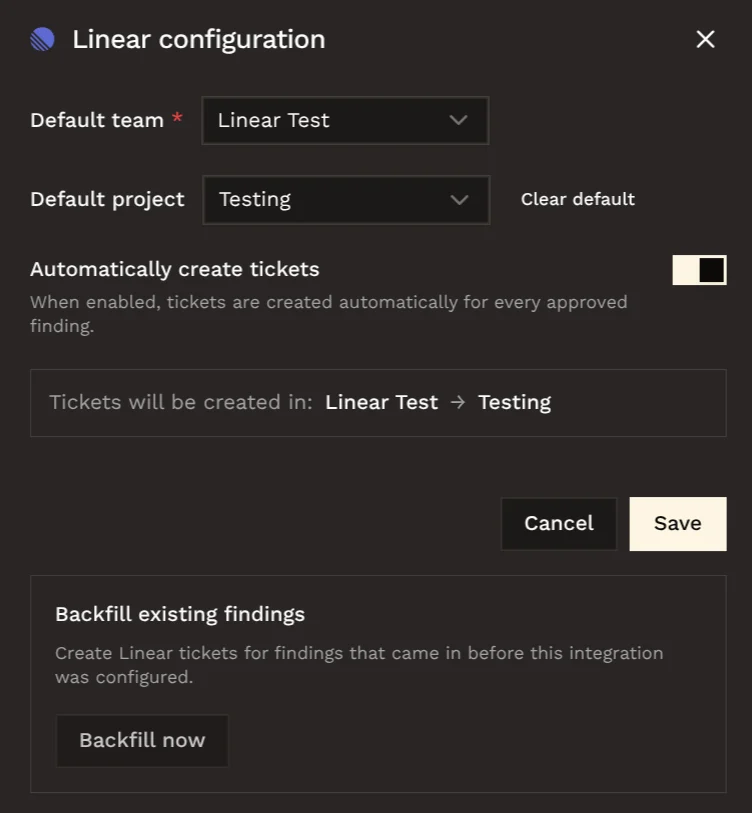
Backfill existing findings (optional)
Use Backfill existing findings to create Linear tickets for approved findings that were created before the integration was configured.Click Backfill now to start the process.
Using Linear tickets
After Linear is connected and configured, open an approved finding and choose Create on Linear to create a Linear issue manually. If the finding already has a Linear issue, Hacktron shows View on Linear instead.Common checks
- If Linear shows Setup required, open settings and save a default team.
- If backfill is unavailable, confirm that a default team has been saved.
- If a ticket already exists for a finding, use View on Linear instead of creating another ticket.